
AI Image and Video Generator: Create from Text or a Photo
Describe a scene or upload a photo, and Ai Fun Studio turns it into images or a 2 to 30 second video, right in your browser. Built for creators, AI influencer accounts, marketers and small businesses.
Describe a scene or upload a photo, and Ai Fun Studio turns it into images or a video clip of 2 to 30 seconds. Edit pictures by typing what to change, and create in the size you need, from 9:16 for Reels to 16:9 for YouTube. It all runs in your browser, built for creators, AI influencer accounts, marketers and small businesses.
- Free starter credits
- Nothing to install
- Your data is never used to train AI


You imagine it. We make it real.
Make portraits, product shots, ads and social posts from a prompt or a photo.

What Is an AI Image and Video Generator?
An AI image and video generator uses artificial intelligence to turn a prompt (a sentence or two describing what you want) or an uploaded picture into new images and videos. Ai Fun Studio puts text to image, text to video, image to video and AI photo editing in one place, so you can go from an idea to a finished post, ad or product visual without switching tools.
Learn more about Ai Fun Studio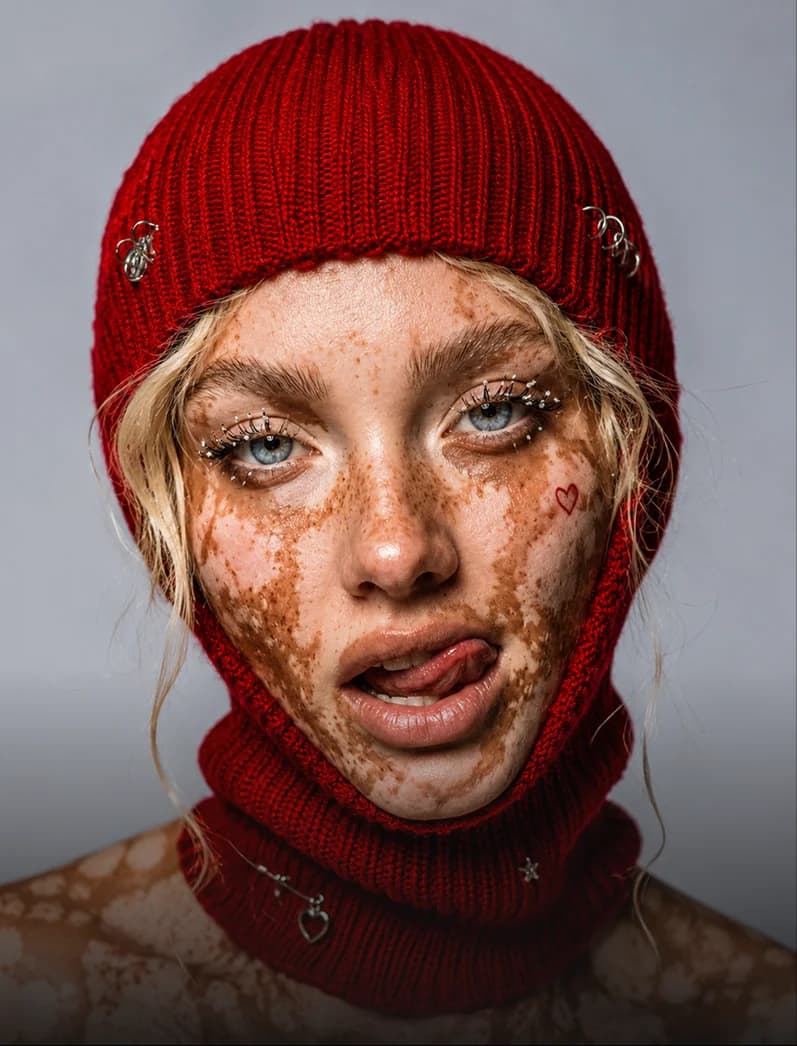
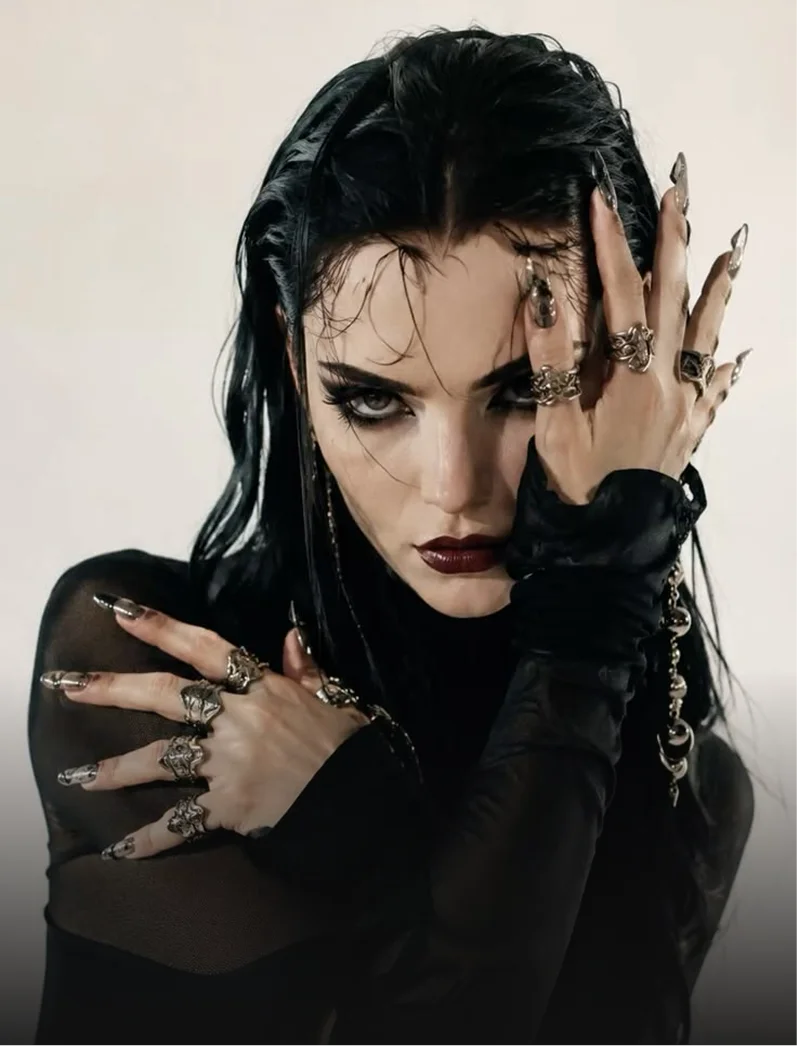
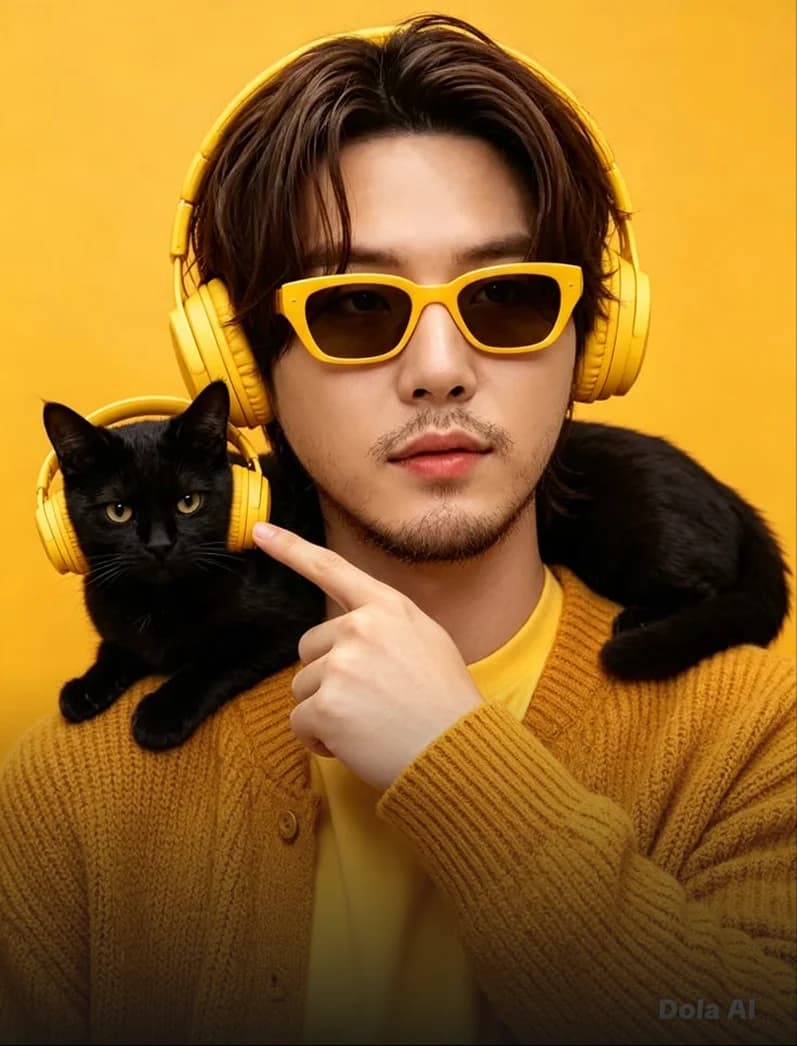
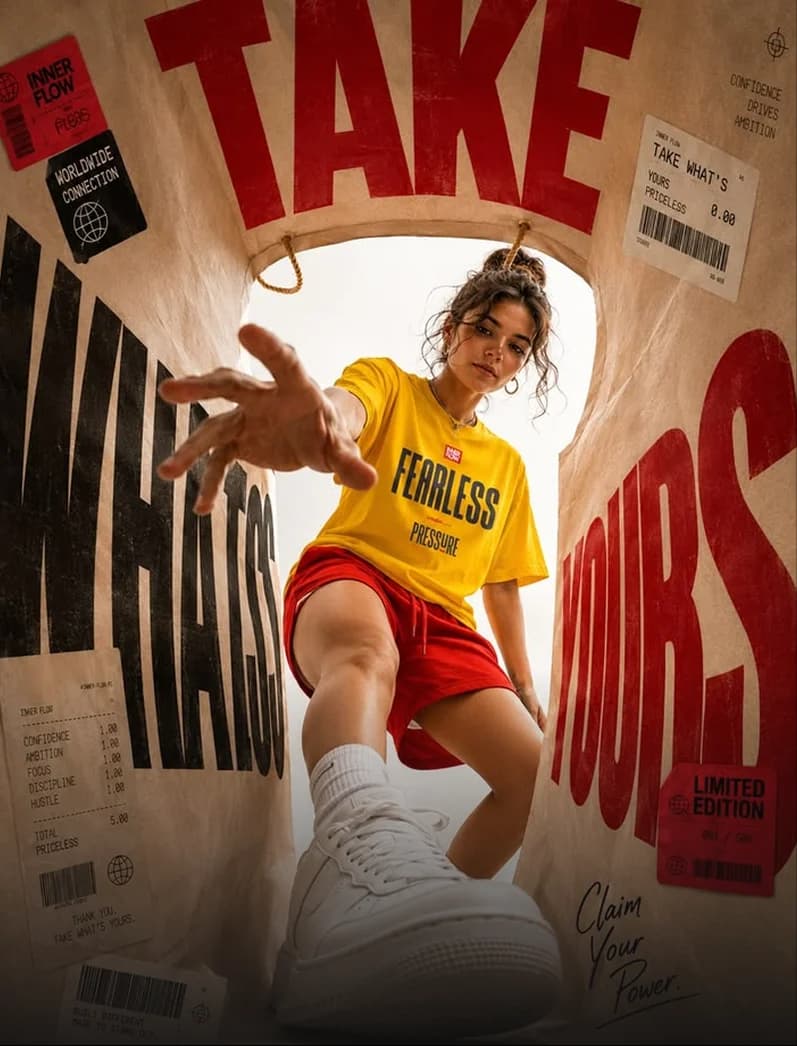
Create AI Content in Your Browser
Ai Fun Studio is a web app, so there is nothing to download or install. Sign in from your browser, and the images and videos you make are saved in your dashboard, ready to download.
Start Free Now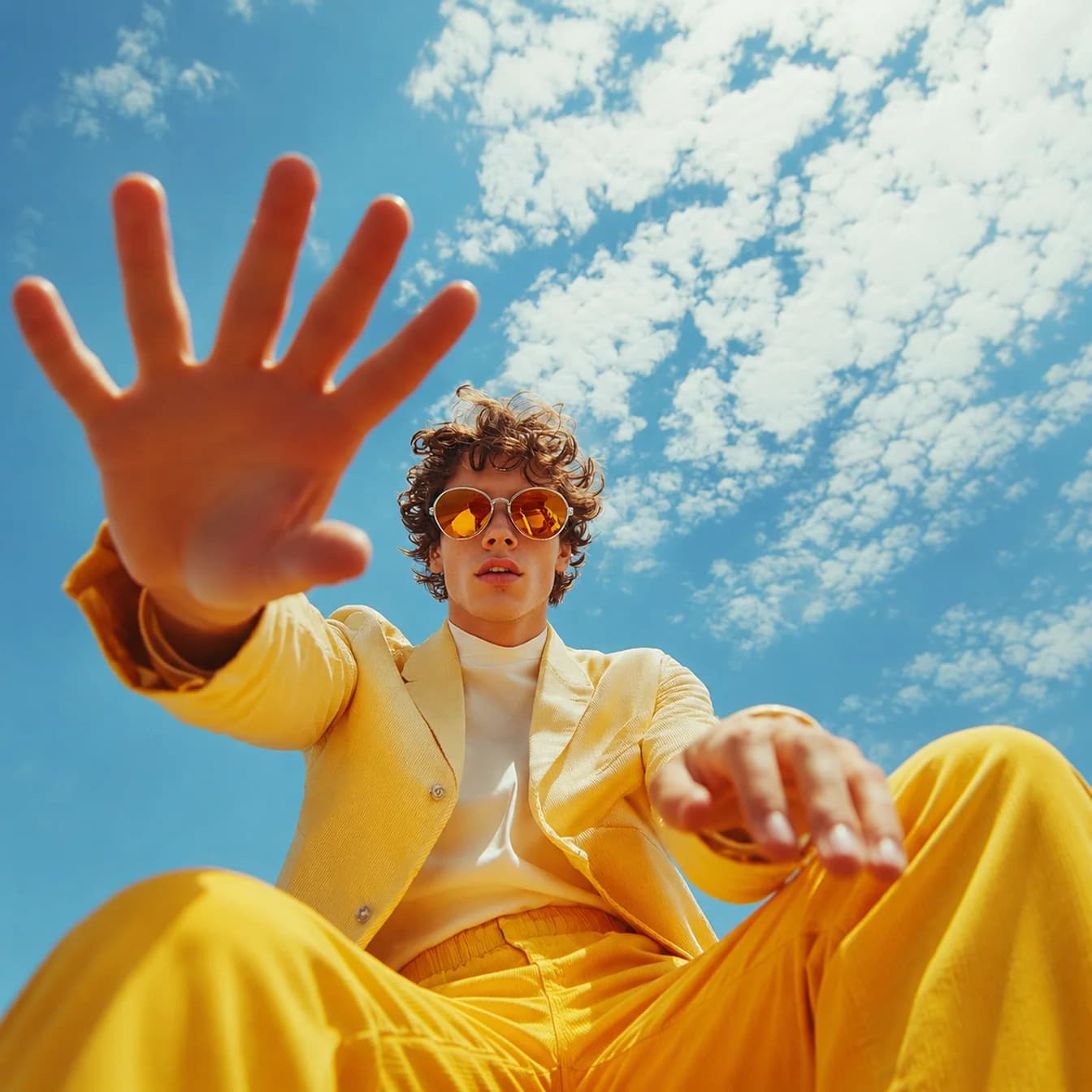
How the AI Image and Video Generator Works
Go from an idea to a finished AI image or video in four steps. No design or video editing experience needed.
Choose an AI image or video tool
Open your dashboard and pick text-to-image generation, AI photo editing, text-to-video, or image-to-video creation.
Write a prompt or upload a reference
Describe the subject, style, and mood you want, or upload photos to guide the result. In the video generator, your photos and short clips act as references for who and what appears in the clip.
Pick the format and quality
Pick the shape of the frame, called the aspect ratio: 11 options, from tall 9:16 for phone screens to wide 16:9 for YouTube. For videos, set a length from 2 to 30 seconds, a resolution of 480p, 720p, or 1080p (full HD), and sound on or off.
Generate, refine, and download
Create your AI images and videos, adjust the prompt to explore variations, and download the finished result from your dashboard.
Featured Creations
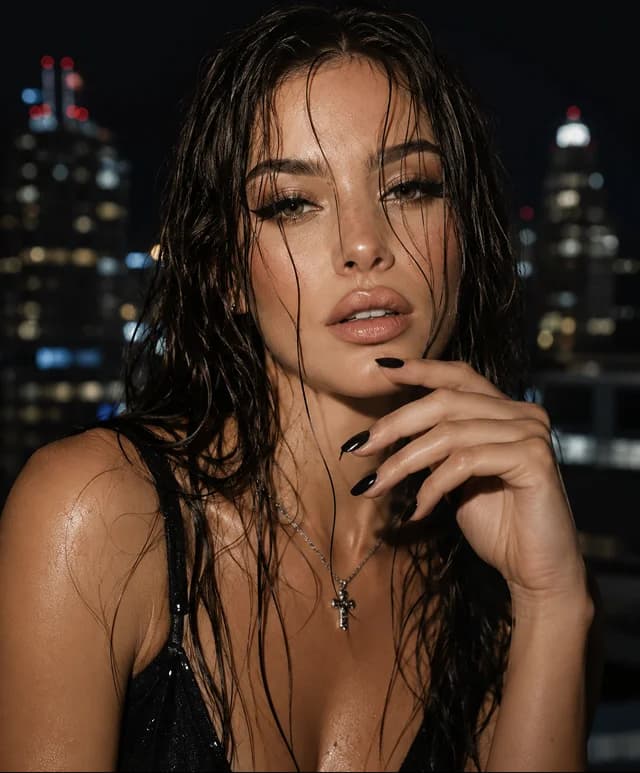
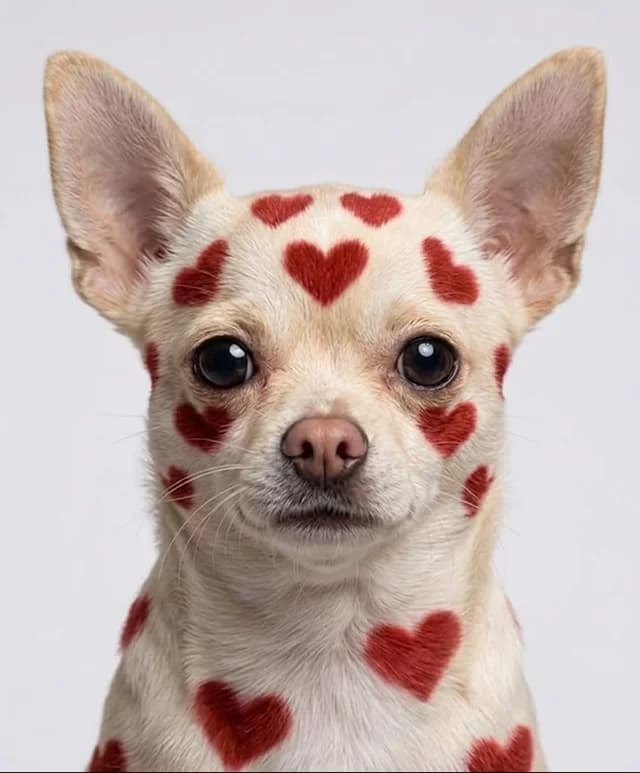
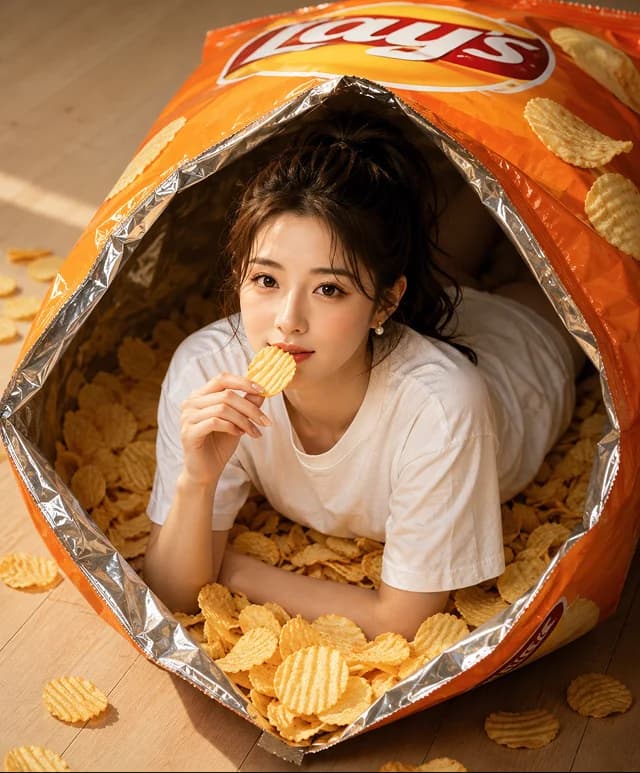
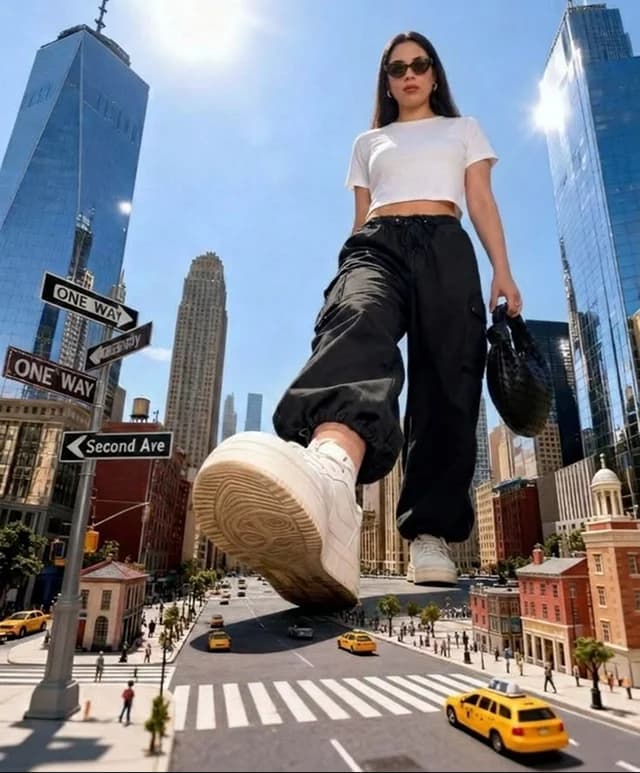
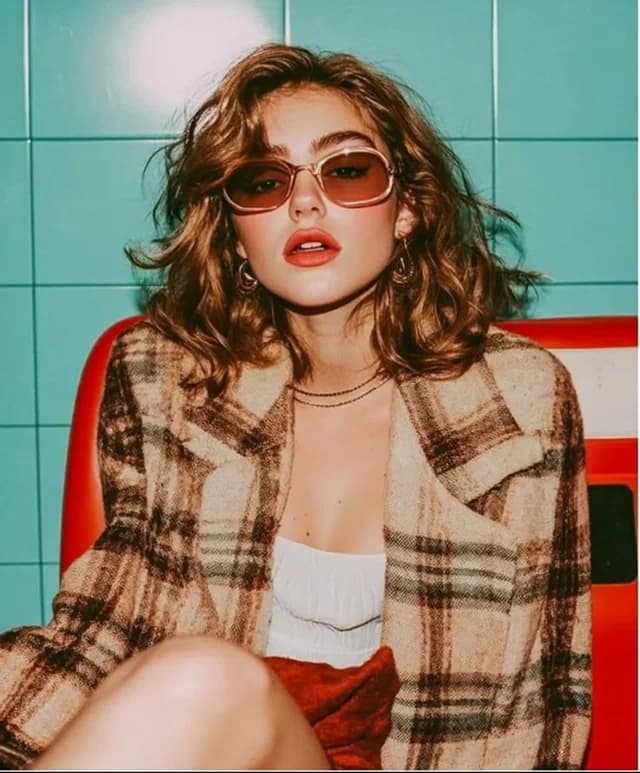
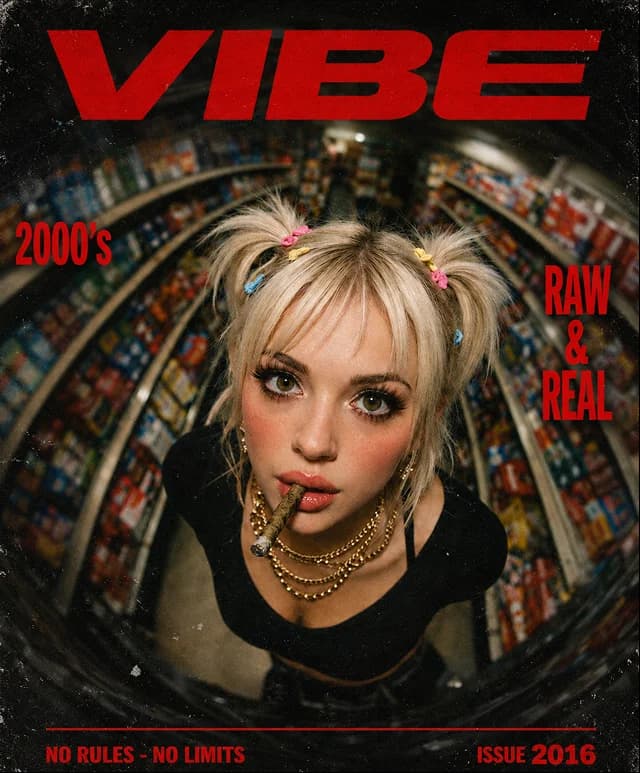
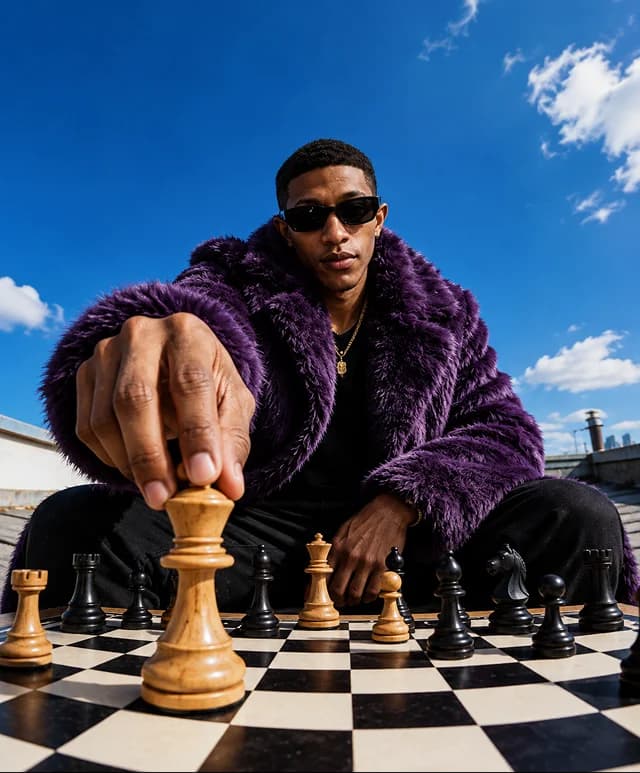
AI Image, Video, and Editing Tools in One Platform
AI Video Generator
Write a prompt, or upload photos or short clips as references, and get a clip of 2 to 30 seconds at 480p, 720p or 1080p, with sound if you want it. Choose 9:16 for TikTok, Reels and Shorts, or 16:9 for YouTube.
Step-by-step guide to making AI video from text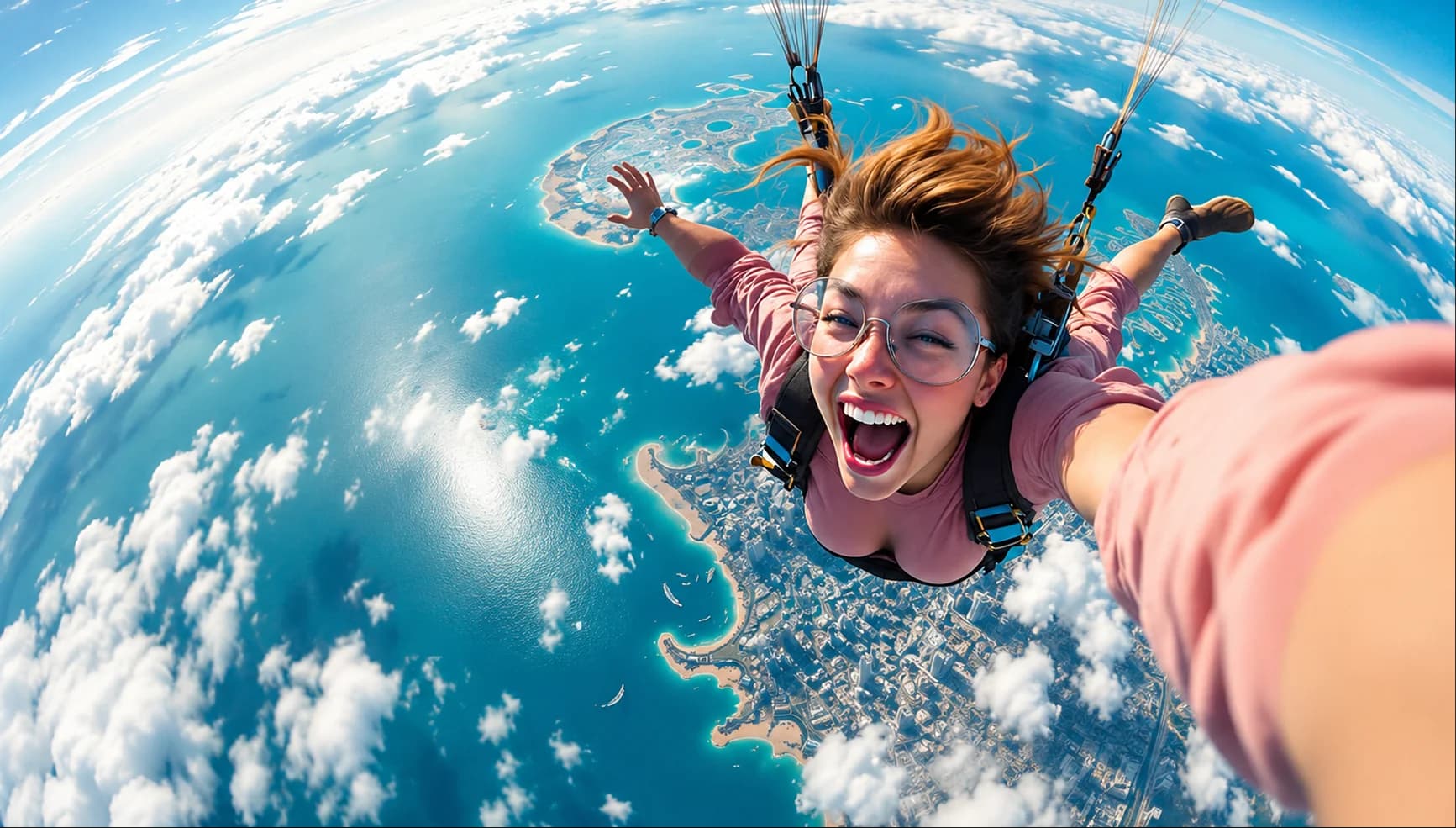
Ultra-realistic wide-angle selfie of an excited young woman skydiving above a stunning turquoise coastline and city, windswept hair, glasses, pink shirt, parachute harness.
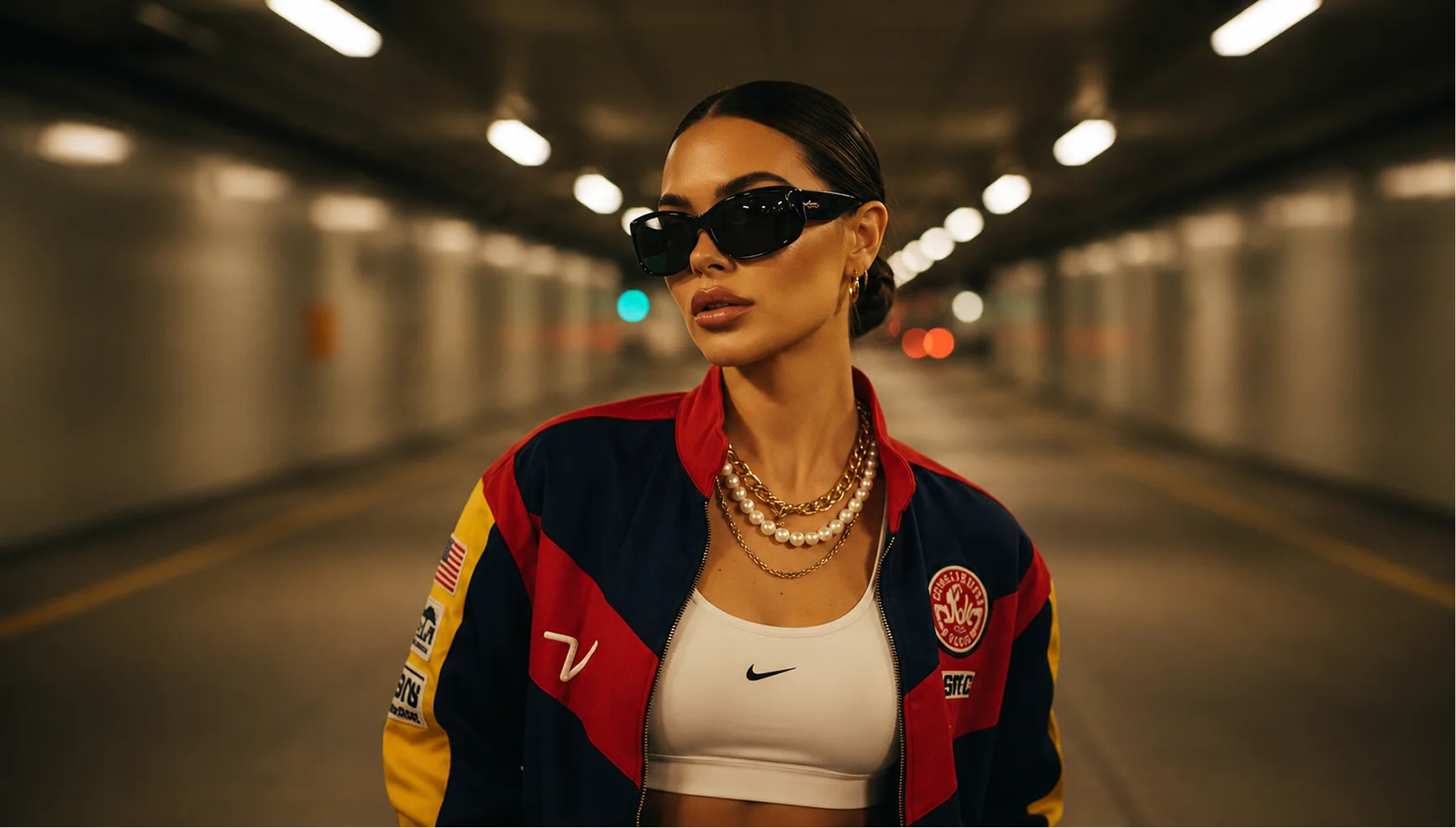
Cinematic fashion portrait of a stylish woman in black sunglasses, layered gold and pearl necklaces, white crop top, and a red-navy-yellow racing jacket standing in a warmly lit tunnel.
AI Image Generator
Describe what you want and get up to four images at a time, up to 2048 pixels on the long side, in any of 11 aspect ratios. Switch to Artwork mode when you are describing a painting or an illustration.
AI Image Editing
Upload a photo and type what to change: swap the background, remove an object, or change the style or the lighting. The Enhancer works the same way on a picture you want to clean up or improve.
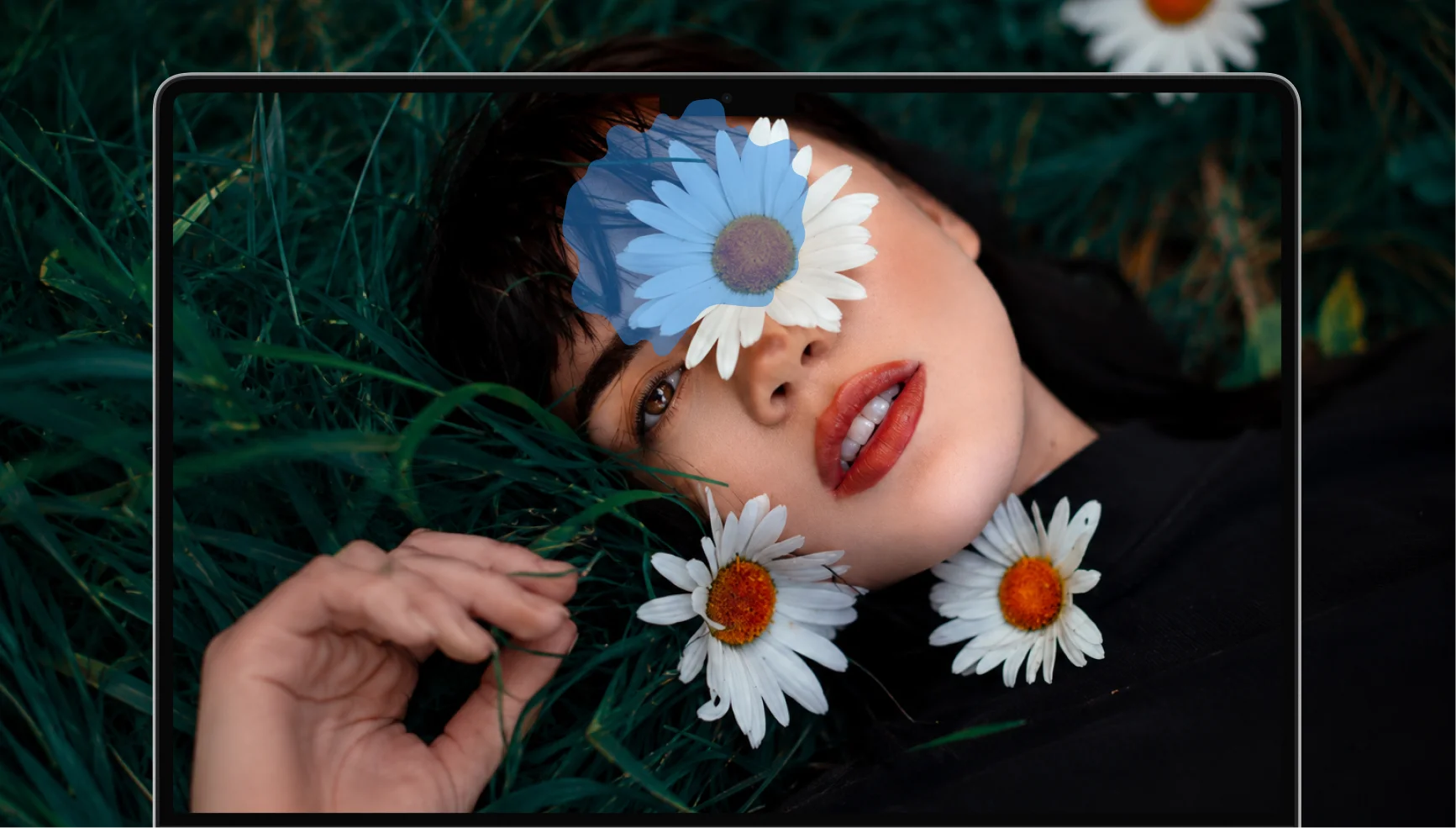
Remove the flower from the girl's face and enhance the image ...
What You Get with Ai Fun Studio
Images, video and editing in one place, paid for with one set of credits.
Images and Video in One Place
Create an image, edit it, then turn it into a video, all in the same dashboard. You do not need a separate tool for each step, and one set of credits covers both images and video.
Built for AI Influencers and Content Creators
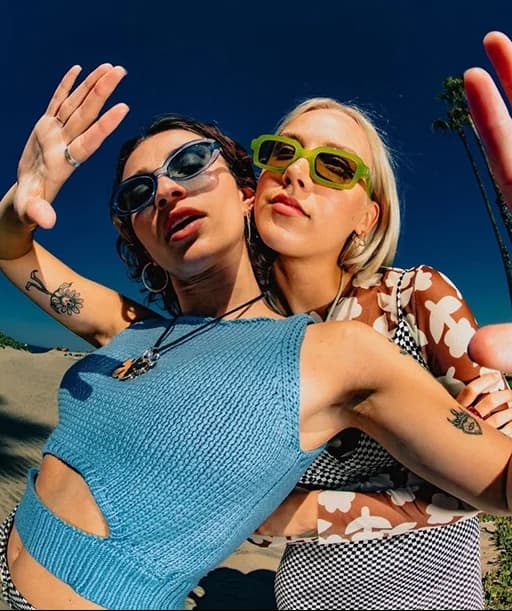
Create a character from a prompt, then upload that image to place the same character in new scenes with Reshoot or the editor, and animate it with image to video. Trending styles and ready-made templates help you keep up with what is popular.
Your Data Is Not Used for Training
We never use your prompts, uploads or results to train AI models, and neither does the AI provider that runs your generations. The images and videos you make are yours to use, including commercially, under our terms.
No Design Skills Needed
Everything starts from a sentence or a photo. Change a few words to try a variation, and download the result when it looks right. There is no editing software to learn.
Testimonials
Choose Your Plan
One set of credits for images and video. Cancel future renewals at any time.
 Max
Max$29.99/month after the trial.
For Consistent Creators
- Up to 66 Images per month
- Up to 20 Videos per month
- Priority generation speed
- Priority queue access
- Full access to core AI tools
- Optimized for high-volume creation
 Professional
59.99 every 3 months.
For Power Users & Daily Production
- Up to 500 Images per month
- Up to 150 Videos per month
- Priority generation speed
- Priority queue access
- Full access to core AI tools
- Optimized for high-volume creation
Payments are processed by Whop. You enter your card details on Whop’s checkout page, so they never reach our servers. Refund policy · How to cancel
Frequently Asked Questions
Answers about creating images and videos, credits, downloads and usage rights.
Ai Fun Studio is a web-based AI image and video generator for creators, marketers and small businesses. You can create images and 2 to 30 second videos from a text prompt or a photo, edit pictures by describing the change, and make content in 11 aspect ratios for different platforms. It launched in 2026 and runs in your browser.
New accounts get free starter credits, so you can try image and video generation before choosing a plan. When they run out, pick a plan to keep creating. Subscribers can also top up with credit packs.
No. Ai Fun Studio runs in your web browser, so there is nothing to install. Sign in on the website and your images and videos are in your dashboard.
Yes. In the video generator, upload a photo and describe the motion or scene you want. The photo is used as a reference for the clip, so the person, product, or place in it guides what you get. You can add up to 6 photos or short clips as references in one generation.
Photos in JPG, PNG, WebP, GIF, or AVIF format. In the video generator you can also add short video clips in MP4, MOV, or WebM format. You can add up to 6 files to one generation, and the app tells you if they are over the size limit.
Each video can be 2 to 30 seconds long, at 480p, 720p, or 1080p, with optional sound. Longer and higher-resolution videos use more credits. For a video longer than 30 seconds, make several clips and join them in a video editor.
Images and videos can both be made in 11 aspect ratios: 1:1, 16:9, 9:16, 4:3, 3:4, 3:2, 2:3, 4:5, 5:4, 21:9, and 9:21. Use 9:16 for TikTok, Reels, and Shorts, 1:1 for square posts, 16:9 for YouTube, and 21:9 for widescreen.
No. Ai Fun Studio chooses the AI model behind each tool, so there is no model to pick or set up. You shape the result with your prompt, your reference photos, and the settings: the aspect ratio, and for videos the length, resolution, and sound.
A prompt is the written description of what you want. Say who or what is in the picture, what they are doing, where it is, and the light and style. For a video, keep to one main action and say how the camera moves. Change one detail at a time between tries, so you can see what made the difference.
Each generation uses credits. Images cost a set number of credits each, and videos cost credits for every second, with 720p and 1080p costing more than 480p.
No. Credits are set aside when a generation starts and go back to your balance automatically if it fails. If credits seem to be missing after a failed generation, email support@aifunstudio.com with the approximate time, and we will correct your balance.
A generation that finishes uses its credits, even if the result is not what you had in mind, because AI output varies from one try to the next. Change one detail of the prompt at a time, or add a reference photo, and generate again. Our refund policy explains when we do refund a payment.
Yes. Plans are billed through Whop, so you cancel in your Whop account under Orders. Cancelling stops future renewals, and you keep access until the end of the period you have paid for. Credits already in your balance stay available.
Yes. Under our terms, the images and videos you generate are yours to use, including commercially, as long as you follow the terms and our acceptable use policy. AI results are not guaranteed to be unique, so check that yours does not copy existing work, people or trademarks before you publish or advertise with it.
Our acceptable use policy sets the rules. Among other things, it bans sexual content involving minors, sexual or intimate images of real people without their consent, content that promotes violence or hatred, fake documents, scams, and realistic images of real people made without their permission or presented as real. If you publish realistic AI images of a person, label them as AI-generated.
No. We never use your prompts, uploads or generated images and videos to train AI models, and neither does the AI provider that runs the generations.
No. You describe what you want in plain words, or upload a photo, and adjust the prompt until the result looks right.
Yes. Everything you generate is saved in your dashboard, and you can download each image or video from there. Deleting your account removes your generated images and videos for good, so download anything you want to keep first.
Create Your Next AI Image or Video Today
Sign up free, get starter credits, and turn your next idea into an AI-generated image or video in one simple creative workspace.
- Free starter credits
- Nothing to install
- Your data is never used to train AI