Published · Updated
How to Make AI Art for Social Media in 2026: A Complete Guide
Discover how to make ai art for social media in 2026. Master prompt engineering, platform workflows, and design trends to create viral visual content.
Recommended next
Ai Fun Studio makes up to four images at a time from a written prompt, in 11 aspect ratios. Try the AI image generator.
On this post (12 sections)
The Evolution of AI Art for Social Media in 2026

The generative media landscape has evolved rapidly in 2026, making it easier than ever to produce studio-quality visuals without a physical camera crew. If you are wondering how to make ai art for social media, the process now involves simply typing detailed descriptions and refining the outputs using advanced platform workflows. Creating scroll-stopping graphics no longer requires a massive design budget; it requires strategic prompt engineering and an understanding of platform-specific aesthetics.
In the early days of generative models, creators struggled with inconsistent character designs, garbled text rendering, and unnatural lighting. Today, modern AI image generators understand complex spatial relationships, brand-specific color palettes, and typographic overlays with remarkable accuracy. This evolution has shifted the focus from merely generating a usable image to engineering highly optimized visual assets tailored for specific social media algorithms and audience behaviors.
How to Make AI Art for Social Media: A Step-by-Step Workflow
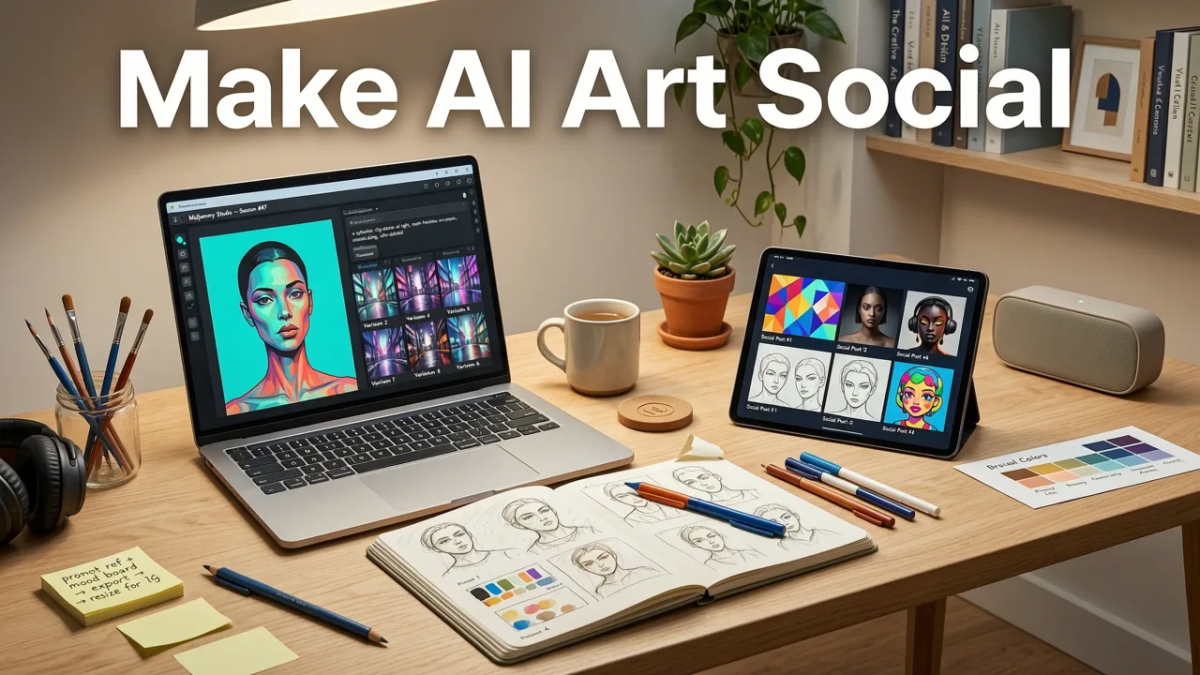
Producing high-performing visual content requires a structured approach. By following a deliberate workflow, you can ensure that every piece of AI-generated art aligns with your broader marketing objectives and brand identity.
Step 1: Define Your Visual Strategy and Platform Requirements
Before generating a single image, establish the visual parameters required for your target platforms. Different social networks favor different aspect ratios, visual densities, and aesthetic styles. For instance, a minimalist, data-driven infographic style may perform exceptionally well on professional networks, while a hyper-vibrant, cinematic aesthetic might drive higher engagement on visual discovery platforms. Document your brand colors, preferred typography, and the emotional tone you wish to convey to maintain consistency across your campaigns.
Step 2: Select the Right AI Image Generator
The market offers a variety of models, each with distinct strengths. Some excel at photorealism, while others are optimized for 3D illustration, anime, or vector art. When evaluating platforms, review the technical specifications and capabilities detailed in resources like the OpenAI documentation or equivalent provider guides. Consider factors such as generation speed, resolution limits, commercial licensing terms, and the availability of advanced editing features like inpainting and outpainting.
Step 3: Craft High-Converting Prompts
The quality of your output is directly tied to the precision of your input. A well-structured prompt should include the core subject, the artistic medium, specific lighting conditions, camera angles, and color grading instructions. To accelerate your workflow and improve engagement, you can study proven frameworks, such as those outlined in our guide on 7 AI Art Generator Prompts for Viral Content. Utilizing negative prompts is equally important; explicitly telling the model what to exclude (e.g., "no watermarks, no distorted hands, no extra limbs") significantly reduces the need for manual corrections.
Step 4: Refine, Upscale, and Format
Raw AI outputs rarely go straight to publication. Use the platform's refinement tools to adjust facial features, correct structural anomalies, or swap out background elements. Once the core image is finalized, upscale it to meet the high-resolution demands of modern displays. Finally, import the image into a standard design tool to add your brand's typography, logos, or call-to-action overlays, ensuring the final asset is fully optimized for its intended social channel.
Optimizing AI Visuals for Different Social Platforms
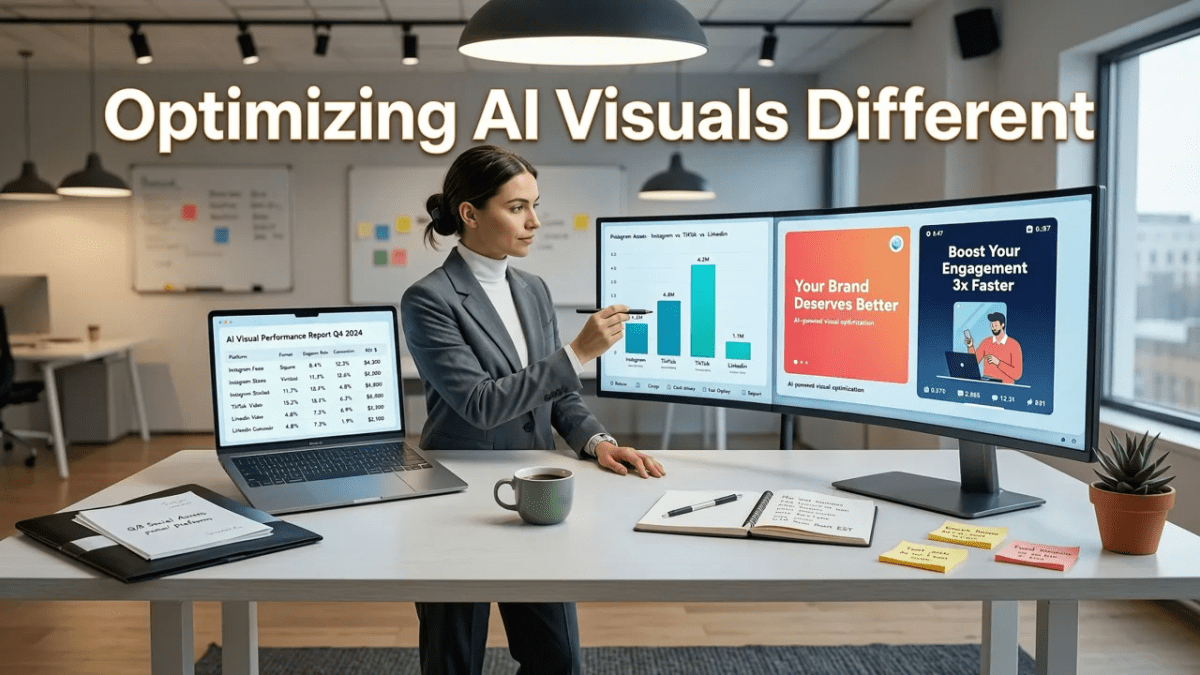
Understanding the technical and aesthetic requirements of each social network is critical for maximizing reach and engagement. A visually striking image on one platform may be cropped poorly or ignored on another if the dimensions and styles are not properly adapted.
| Platform | Optimal Aspect Ratio | Visual Style Focus | Best Use Case |
|---|---|---|---|
| 4:5 (Feed) / 9:16 (Stories) | High contrast, vibrant colors, lifestyle aesthetics | Product showcases, carousel storytelling, Reels covers | |
| 1.91:1 or 1:1 | Clean, professional, data-driven, minimalist | Industry insights, company culture, B2B thought leadership | |
| 2:3 (Vertical) | Inspirational, tutorial-focused, highly detailed | DIY guides, mood boards, aesthetic inspiration | |
| X (Twitter) | 16:9 or 1:1 | Bold, easily readable at small sizes, news-oriented | Announcements, meme formats, quick visual hooks |
Instagram and Pinterest
Visual discovery platforms reward high-resolution, immersive imagery. When designing for these networks, prioritize vertical formats that occupy maximum screen real estate on mobile devices. Utilize the 4:5 ratio for Instagram feed posts to ensure your artwork stands out in a crowded timeline. For Pinterest, focus on creating tall, informative graphics that clearly communicate the value of the linked content, using bold text overlays that remain legible on small screens.
LinkedIn and X
Professional and microblogging platforms require a different approach. Visuals here should support the accompanying text rather than overshadow it. Clean compositions, high-contrast charts, and professional portraits generated via AI can significantly boost click-through rates. Ensure that any text embedded within the image is large enough to be read without zooming, as many users consume these feeds on desktop monitors where images are displayed at smaller relative sizes.
Expanding Your Strategy with AI Video
Static images are only one part of a comprehensive social media strategy. As algorithms increasingly prioritize motion, integrating AI-generated video into your workflow is essential. The same prompt engineering principles used for static images can be adapted to generate dynamic video clips. If you are looking to transition your static assets into motion, exploring How to Make AI Video From Text in 2026: A Complete Guide will provide the foundational workflows you need.
Furthermore, creators often seek efficient ways to produce clean, professional video assets without the distraction of platform watermarks. Evaluating the Top Free Text to Video AI No Watermark Tools in 2026 can help you identify the best solutions for generating broadcast-ready social clips that maintain your brand's professional polish.
Ethical Guidelines and Responsible Creation
With the increasing realism of generative models, ethical considerations must remain at the forefront of your content strategy. Always adhere to platform-specific disclosure requirements regarding AI-generated content. Transparency fosters trust and protects your brand from the reputational risks associated with misleading media.
Additionally, ensure that your prompts do not infringe on intellectual property rights or generate harmful, biased, or deceptive content. Following established frameworks, such as the Google AI guidance on responsible development and usage, helps creators navigate the complex intersection of innovation, copyright, and digital ethics. By prioritizing responsible creation, you contribute to a healthier digital ecosystem while safeguarding your brand's long-term credibility.
Conclusion and Next Steps
Mastering how to make ai art for social media in 2026 requires a blend of technical proficiency, strategic planning, and a keen eye for design. By leveraging advanced AI image generators, adhering to platform-specific optimization rules, and maintaining ethical standards, you can consistently produce visual content that captivates your audience and drives meaningful engagement. The tools at your disposal are more powerful than ever, turning complex creative visions into reality with just a few keystrokes.
Ready to dive deeper into the practical application of these techniques? Continue your learning journey by exploring our comprehensive How to Make AI Images for Social Media: 2026 Tutorial to see these workflows in action and start building your next viral campaign today.
Frequently asked questions
What is the best aspect ratio for AI art on Instagram?
For Instagram feed posts and carousels, a 4:5 aspect ratio (1080 x 1350 pixels) is ideal as it takes up more vertical screen space. For Reels covers or Stories, use a 9:16 aspect ratio (1080 x 1920 pixels).
Can I use AI-generated art for commercial social media campaigns?
Yes, most leading AI image generators grant commercial rights to the images you create. However, it is crucial to review the specific terms of service of the platform you are using and ensure your prompts do not infringe on existing copyrighted characters or trademarks.
How do I keep my brand colors consistent in AI-generated images?
You can maintain brand consistency by including specific hex codes or color palette names in your text prompts. Alternatively, use image-to-image generation by uploading a reference image of your brand guidelines to guide the AI's color output.
Should I disclose that my social media visuals are AI-generated?
Transparency is highly recommended and increasingly required by platform policies. Disclosing AI usage builds trust with your audience and aligns with responsible AI practices, especially when the content is realistic or depicts real-world scenarios.
Try it with your own prompt
New accounts get free starter credits, so you can put this guide into practice before you pay for anything. Nothing to install: Ai Fun Studio runs in your browser.
Start Now