
Published · Updated
Complete Text to Video AI Workflow Tutorial for 2026
Master the ultimate text to video ai workflow tutorial for 2026. Learn step-by-step prompting, rendering, and editing techniques for stunning cinematic results.
Recommended next
Ai Fun Studio makes 2 to 30 second videos from a prompt, or from your own photos and clips. Try the AI video generator.
On this post (10 sections)
The Evolution of Text-to-Video Technology in 2026

The generative media landscape has evolved rapidly, making it easier than ever to produce cinematic visuals without a traditional camera crew. If you are looking for a comprehensive text to video ai workflow tutorial, the process in 2026 involves simply typing descriptive prompts, refining the generated frames, and assembling them into a cohesive narrative. This guide breaks down the exact methodology professionals use to turn raw text into high-quality video assets, ensuring every frame aligns with your creative vision.
Over the past few years, the underlying architecture of generative models has shifted dramatically. Early iterations struggled with temporal consistency, often resulting in morphing backgrounds and unnatural physics. Today, advanced diffusion transformers and autoregressive models understand spatial relationships and temporal continuity on a fundamental level. Creators can now generate complex camera movements, realistic lighting shifts, and highly detailed textures that rival traditional computer-generated imagery. Understanding how to leverage these advanced capabilities is the core of a successful production pipeline.
Complete Text to Video AI Workflow Tutorial: Step-by-Step
Building a professional video from scratch requires more than just typing a few words into a generator. A structured approach ensures that your final output is coherent, high-resolution, and ready for distribution. Below is the definitive workflow for transforming text concepts into polished video content.
Step 1: Define Your Creative Objective and Storyboard
Before opening any generation tool, you must establish a clear creative direction. Successful creators spend significant time outlining their narrative, identifying the target audience, and mapping out the visual style. This phase involves writing a detailed script and creating a rudimentary storyboard. By defining the exact mood, color palette, and pacing you want to achieve, you create a blueprint that guides every subsequent prompt. Skipping this planning phase often leads to disjointed clips that are difficult to stitch together later in the editing process.
Step 2: Select the Right AI Video Generator
The market is filled with specialized engines, each optimized for different aesthetic styles and technical requirements. Some platforms excel at photorealistic cinematic shots, while others are fine-tuned for 3D animation, anime, or abstract motion graphics. Evaluating your specific needs against the strengths of available platforms is crucial. If you are looking to experiment without committing to a paid subscription immediately, you can explore the Top Free Text to Video AI No Watermark Tools in 2026 to find a platform that matches your stylistic goals and budget constraints.
Step 3: Craft High-Converting Text Prompts
Prompt engineering remains the most critical skill in the generative AI space. A high-quality prompt acts as the director, cinematographer, and lighting technician for your scene. A robust prompt should include the primary subject, the specific environment, the camera angle, the lighting setup, and the desired film stock or rendering style. For instance, instead of asking for a woman walking in a city, specify a cinematic wide shot of a woman walking through a neon-lit cyberpunk alley, shot on 35mm lens, volumetric fog, high contrast, 8k resolution. For deeper insights into structuring complex instructions, reviewing the OpenAI documentation on prompt engineering principles can significantly refine your text inputs and yield more predictable results.
Step 4: Generate, Refine, and Upscale
Once your prompts are finalized, begin the generation process. It is highly recommended to generate multiple variations of each clip to select the one with the best composition and motion fluidity. If a specific frame looks perfect but the motion is flawed, use image-to-video refinement tools to animate a static starting frame. This hybrid approach guarantees visual consistency. After selecting your best clips, utilize the platform's upscaling features to enhance the resolution to 4K, ensuring the footage meets modern broadcast and streaming standards.
Step 5: Edit, Add Audio, and Export
Raw AI-generated clips are rarely ready for immediate publication. Import your upscaled footage into a professional non-linear editor. This is where the magic of post-production happens. Add smooth transitions, apply color grading to unify the visual tone across different clips, and integrate dynamic text overlays. Audio is equally important; layer AI-generated voiceovers, ambient soundscapes, and synchronized sound effects to bring the visual elements to life. Proper audio design can mask minor visual artifacts and significantly elevate the perceived production value.
Comparing Key Features in 2026 Video Platforms
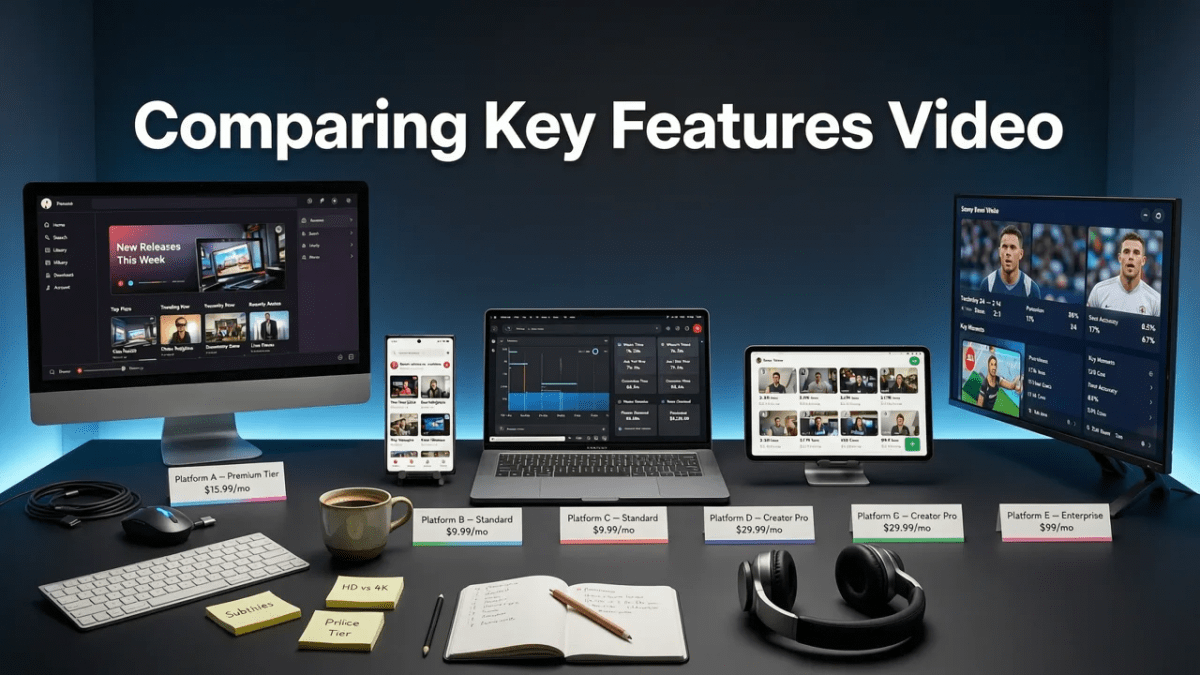
Choosing the right software can make or break your workflow. The following table outlines the essential features you should evaluate when selecting a text-to-video platform for your projects in 2026.
| Feature Category | What to Look For | Impact on Workflow |
|---|---|---|
| Temporal Consistency | Advanced frame-interpolation and object tracking | Prevents morphing and maintains subject identity across long clips |
| Camera Control | Specific parameters for pan, tilt, zoom, and drone shots | Allows for dynamic storytelling rather than static, floating cameras |
| Resolution and Upscaling | Native 4K output or reliable AI upscaling pipelines | Ensures the final video is crisp and ready for large displays |
| Style Transfer | Ability to apply reference images or specific aesthetic presets | Maintains brand consistency across multiple video campaigns |
| Commercial Licensing | Clear terms of service regarding copyright and usage rights | Protects businesses and agencies from legal complications |
Best Practices for Ethical and Effective AI Video Creation
As generative tools become more powerful, the responsibility of the creator increases. It is essential to adhere to ethical guidelines, particularly regarding copyright, transparency, and the depiction of real individuals. Always ensure you have the rights to the intellectual property you are referencing in your prompts. Furthermore, when creating content for public distribution, it is a growing industry standard to disclose the use of synthetic media. Following the Google AI guidance on responsible development and deployment can help you navigate the ethical considerations of modern content creation and maintain trust with your audience.
Conclusion
Mastering the text to video ai workflow tutorial process empowers creators, marketers, and businesses to produce stunning visual content at an unprecedented pace. By following a structured approach—from meticulous storyboarding and precise prompt engineering to rigorous post-production editing—you can transform simple text concepts into captivating cinematic experiences. The technology is only as powerful as the strategy behind it. To expand your expertise and adapt these techniques for specific platforms, be sure to read our guide on How to Use Text to Video AI for Social Media in 2026 and start elevating your digital presence today.
Frequently asked questions
What is the most important step in a text to video AI workflow?
Prompt engineering is widely considered the most critical step. Crafting highly detailed prompts that specify the subject, environment, camera angle, lighting, and rendering style ensures the AI generates footage that accurately matches your creative vision and reduces the need for endless re-rolling.
How do I maintain character consistency across multiple video clips?
To maintain consistency, generate a static image of your character first, then use image-to-video refinement tools to animate that specific image. Additionally, utilizing seed locking and consistent style prompts across your generation batches helps preserve visual continuity.
Can I use AI-generated video for commercial projects in 2026?
Yes, but you must carefully review the terms of service of the specific platform you are using. Most premium platforms grant full commercial rights to subscribers, but it is crucial to ensure you are not infringing on existing copyrights or generating unauthorized likenesses of real people.
What is the best frame rate for AI-generated video?
For standard cinematic and social media content, 24 frames per second (fps) provides a traditional film look, while 30 fps is ideal for standard digital video. If you require smooth slow-motion or highly dynamic action sequences, generating at 60 fps is recommended.
Try it with your own prompt
New accounts get free starter credits, so you can put this guide into practice before you pay for anything. Nothing to install: Ai Fun Studio runs in your browser.
Start Now

