Published · Updated
The Best AI Video Generator for TikTok in 2026
Discover the best ai video generator for tiktok in 2026. Learn how to create viral, high-quality short-form content using top AI tools and expert prompts.

Recommended next
Ai Fun Studio makes 2 to 30 second videos from a prompt, or from your own photos and clips. Try the AI video generator.
On this post (12 sections)
Why You Need an AI Video Generator for TikTok in 2026

The short-form video landscape has shifted dramatically over the last few years. In 2026, producing scroll-stopping content no longer requires a full production crew, expensive camera gear, or hours of manual editing. If you want to scale your social media presence efficiently, finding the best ai video generator for tiktok is the most critical decision you will make this year. These advanced tools transform simple text prompts and static images into high-fidelity, vertical videos that capture attention and drive engagement.
The generative media landscape has matured significantly, and the quality of AI-generated video now rivals traditional production methods. At the core of this capability lies a deep understanding of motion, physics, and narrative pacing. For content creators, marketers, and small business owners, this means you can now produce a month's worth of high-quality TikTok content in a single afternoon. The barrier to entry has been completely removed, shifting the competitive advantage from technical editing skills to creative vision and prompt engineering.
Key Features to Look for in a TikTok AI Video Tool
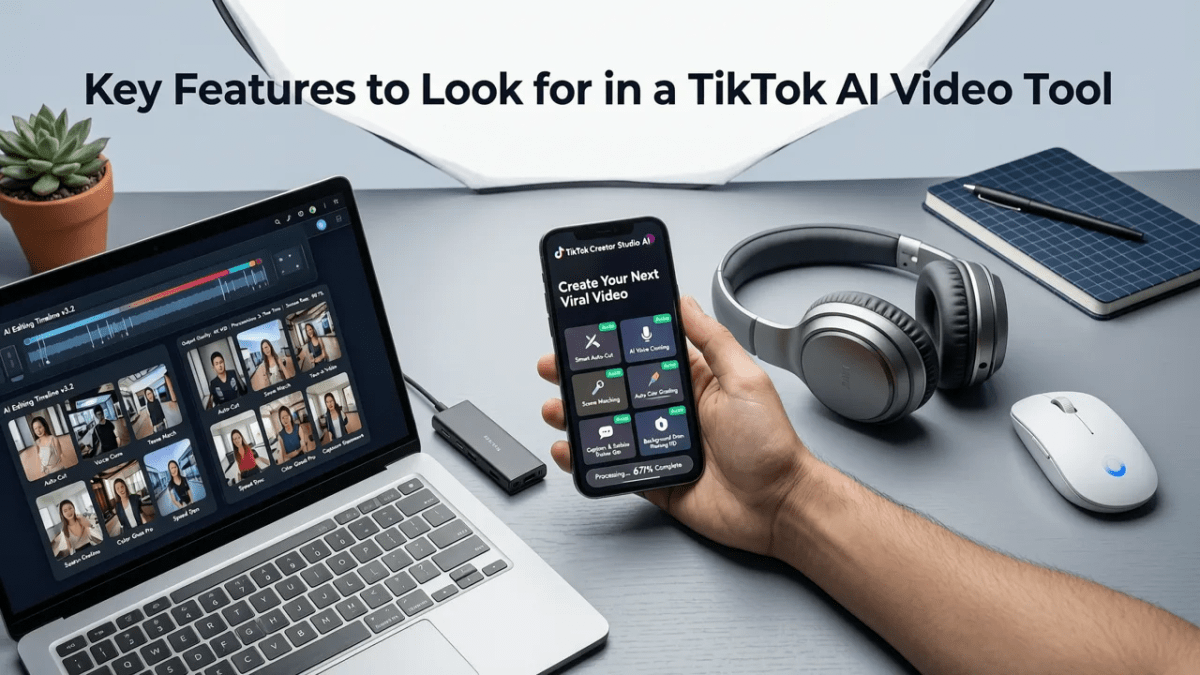
Not all generative video platforms are built for short-form social media. When evaluating an ai video generator for tiktok, you must look beyond basic text-to-video capabilities and focus on features specifically optimized for the platform's unique demands.
- Native 9:16 Aspect Ratio Support: The tool must natively generate or seamlessly crop to vertical formats without losing critical visual information or awkwardly cropping the focal point.
- Temporal Consistency: In 2026, viewers have zero tolerance for morphing faces or flickering backgrounds. The underlying model must maintain strict object permanence and character consistency across multiple frames.
- Integrated Audio and Lip Sync: TikTok is an audio-first platform. The best generators now include built-in voice synthesis, sound effect generation, and precise lip-syncing for AI avatars.
- Rapid Rendering and Iteration: Social media trends move fast. You need a platform that renders high-definition video in minutes, not hours, allowing for rapid A/B testing of hooks and visuals.
Top AI Video Generators for TikTok Compared

Choosing the right platform can make or break your content workflow. Below is a comprehensive comparison of the leading AI video generators tailored for TikTok creation in 2026.
| Platform | Vertical Optimization | Temporal Consistency | Rendering Speed | Best Use Case |
|---|---|---|---|---|
| Ai Fun Studio | Native 9:16 & 1:1 | Exceptional | Under 3 minutes | End-to-end creator workflows |
| GenStream Pro | Native 9:16 | High | Under 5 minutes | Cinematic B-roll & aesthetics |
| ViralClip AI | Auto-crop only | Moderate | Under 2 minutes | Faceless channels & podcasts |
| PixelMotion | Native 9:16 | Exceptional | 5 to 8 minutes | High-end brand commercials |
As the table illustrates, platforms like Ai Fun Studio are designed to handle the entire AI content workflow, from initial prompt generation to final vertical rendering, making them ideal for creators who need speed without sacrificing quality.
How to Create Viral TikTok Videos with AI
Having the right tool is only half the battle. To truly dominate the TikTok trends of 2026, you need a strategic approach to your short-form video creation. Here is a step-by-step workflow to generate viral content.
Step 1: Define Your Hook and Script
The first three seconds of a TikTok video determine its success. Before opening your video editing AI tool, write a compelling script. Focus on a strong visual hook, a relatable problem, or a surprising statement. AI tools can help generate script variations, but the core narrative structure must be designed for human retention.
Step 2: Generate the Visuals
Once your script is locked, it is time to generate the visuals. Using a dedicated platform allows you to translate your script into dynamic scenes. If you need a deeper dive into the technical process, you can explore our guide on How to Make AI Video From Text in 2026: A Complete Guide to master the underlying mechanics of text-to-video generation.
When generating, focus on creating distinct shots rather than one long, continuous take. Short-form algorithms favor rapid visual changes, typically every 2 to 3 seconds, to maintain viewer attention.
Step 3: Optimize Prompts for Vertical Video
Writing prompts for a 9:16 vertical frame requires a different mindset than writing for widescreen cinema. You must direct the AI to keep the primary subject centered and utilize the vertical space for environmental context. Mastering this specific skill is crucial, and you can learn the exact frameworks in our resource on Top Text to Video AI Prompts for 2026: A Creator's Guide.
Always include keywords related to camera angles, such as "close-up portrait," "low angle shot," or "vertical composition," to ensure the AI frames your subject correctly for mobile screens.
Best Practices and Ethical Guidelines for AI Content
As generative media becomes ubiquitous, platforms and audiences are demanding higher standards of transparency and ethics. TikTok has implemented strict guidelines regarding AI-generated content, and creators must adhere to them to avoid shadowbans or account suspensions.
Always label synthetic media appropriately. Transparency builds trust with your audience and ensures compliance with platform policies.
When using AI to generate realistic human faces or simulate real-world events, you must use the platform's built-in AI labeling tools. Furthermore, avoid using AI to impersonate real individuals or create misleading political content. For a comprehensive overview of industry standards, reviewing the Google AI guidance on responsible development and deployment is highly recommended for professional creators and agencies.
Additionally, ensure that your AI-generated music and voiceovers are cleared for commercial use. The best platforms provide royalty-free audio libraries specifically vetted for social media monetization.
Understanding the Underlying Technology
To get the most out of your ai video generator for tiktok, it helps to understand the technology powering it. Modern video generators rely on advanced diffusion models and transformer architectures that analyze millions of video clips to understand motion, lighting, and physics.
These models do not just stitch images together; they predict the next frame based on the physical rules of the environment you describe in your prompt. If you are curious about the technical specifications and API capabilities driving these models, the OpenAI documentation provides excellent insights into the foundational architecture of modern generative AI.
Understanding that the AI is predicting motion rather than recording it allows you to write better prompts. Instead of asking for "a dog running," you will get better results by specifying "a golden retriever running towards the camera on a grassy field, slow motion, highly detailed fur physics, sunny lighting."
The Future of Short-Form AI Video
The evolution of the ai video generator for tiktok shows no signs of slowing down. In late 2026, we are already seeing the integration of real-time rendering, where creators can adjust lighting, camera angles, and character expressions on the fly using simple voice commands.
For marketers and small businesses, this means the ability to hyper-personalize video ads at scale. Imagine generating a single core video and having the AI automatically adjust the background, the product color, and the voiceover dialect to match specific regional demographics. This level of customization was impossible just two years ago.
Conclusion
Mastering short-form video in 2026 is no longer about who has the biggest budget; it is about who has the best workflow. By leveraging the best AI video generator for TikTok, you can transform your content strategy, produce high-quality visuals at scale, and stay ahead of rapidly changing trends. Whether you are a solo creator or a large agency, the tools are now in your hands. Start experimenting with your prompts, refine your hooks, and let AI handle the heavy lifting of production.
Ready to elevate your TikTok strategy? Visit Ai Fun Studio today to explore our suite of professional AI image and video generation tools, and start creating scroll-stopping content in minutes.
Frequently asked questions
What is the best AI video generator for TikTok in 2026?
The best AI video generator for TikTok in 2026 is one that offers native 9:16 vertical aspect ratio support, high temporal consistency to prevent morphing, and integrated audio sync. Platforms like Ai Fun Studio are highly recommended because they combine rapid rendering speeds with creator-focused workflows specifically optimized for short-form social media algorithms.
Can I monetize AI-generated videos on TikTok?
Yes, you can monetize AI-generated videos on TikTok, provided you follow the platform's guidelines. You must use TikTok's built-in AI labeling tools to disclose that the content is synthetic, especially if it features realistic human faces or voices. Additionally, ensure that any AI-generated music or voiceovers are licensed for commercial use.
How do I write prompts for vertical AI video?
When writing prompts for vertical AI video, you must direct the AI to keep the primary subject centered and utilize the vertical space effectively. Include specific camera angle keywords like "close-up portrait," "vertical composition," or "low angle shot." Avoid wide, cinematic landscape descriptions, as the AI will struggle to crop them effectively for a 9:16 frame.
Do I need video editing skills to use an AI video generator?
No, you do not need traditional video editing skills to use a modern AI video generator. These platforms are designed to translate text prompts directly into finished video clips. However, having a strong understanding of narrative structure, pacing, and prompt engineering will significantly improve the quality and virality of your final content.
Try it with your own prompt
New accounts get free starter credits, so you can put this guide into practice before you pay for anything. Nothing to install: Ai Fun Studio runs in your browser.
Start Free Now