
Published · Updated
Best AI Image Generator for Product Photography in 2026
Find the best AI image generator for product photography in 2026. Compare top tools, key features, and workflows to create stunning e-commerce visuals.
Recommended next
Ai Fun Studio makes up to four images at a time from a written prompt, in 11 aspect ratios. Try the AI image generator.
On this post (18 sections)
Why an AI Image Generator for Product Photography is Essential in 2026
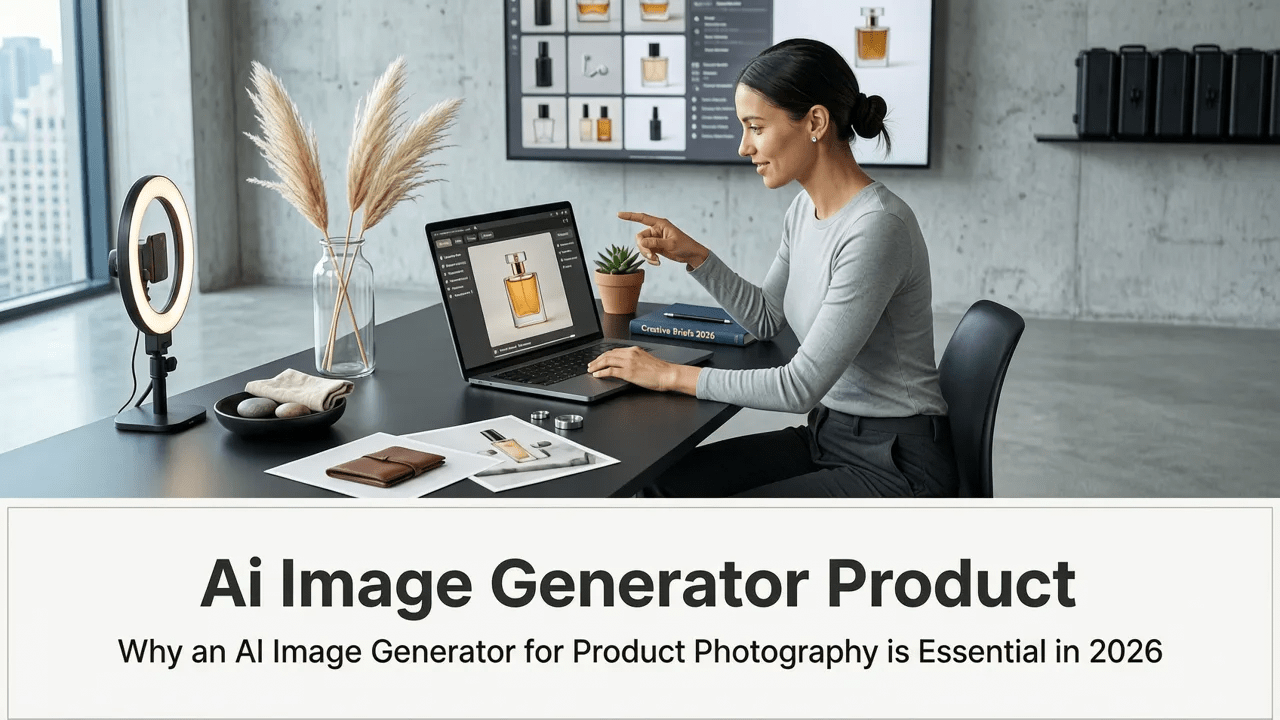
The generative media landscape has evolved rapidly, making it easier than ever to produce studio-quality visuals without a physical camera crew. If you are searching for the ideal ai image generator for product photography in 2026, the best solutions now offer precise object retention, dynamic lighting adjustments, and seamless background replacement. This guide breaks down how to select and use these tools to elevate your e-commerce brand.
Traditional product photography requires coordinating studios, lighting rigs, props, and models. It is an expensive and time-consuming process that limits how quickly a brand can iterate on marketing campaigns. In contrast, modern AI product rendering allows marketers, designers, and small business owners to generate hundreds of high-converting lifestyle images in a fraction of the time.
Whether you are launching a new skincare line, updating a furniture catalog, or running seasonal ad campaigns, virtual photography tools have become a mandatory part of the modern marketing stack. The right platform bridges the gap between creative vision and commercial execution, ensuring your products look flawless in any environment.
Key Features to Look for in an AI Image Generator for Product Photography
Not all generative models are built for commercial e-commerce visual creation. While general-purpose image generators can create beautiful art, they often struggle with the strict accuracy required for product marketing. When evaluating platforms, prioritize the following capabilities.
Object Consistency and Retention
The most critical feature of any commercial AI tool is its ability to preserve the exact details of your product. Logos, text, packaging shapes, and material textures must remain 100% accurate. Look for platforms that utilize advanced inpainting and control-net technologies, which lock the original product pixels while generating new surroundings.
Advanced Lighting and Shadow Matching
A product placed in a generated environment will look fake if the lighting does not match the scene. Top-tier AI background replacement tools automatically analyze the virtual environment and apply corresponding highlights, ambient occlusion, and cast shadows to the product. This ensures the final image looks like a genuine photograph taken on location.
Prompt Adherence and Control Parameters
Effective generative AI for marketing requires granular control. You need the ability to dictate camera angles, depth of field, and specific environmental elements through text-to-image product prompts. The best platforms offer slider controls for prompt adherence, allowing you to balance creative freedom with strict brand guidelines.
Built-In Upscaling and Enhancement
E-commerce platforms and social media channels demand high-resolution assets. Ensure the tool you choose includes native upscaling capabilities that enhance texture details and sharpen edges without introducing artificial artifacts, keeping your product looking crisp on 4K displays.
Top AI Image Generators for Product Photography Compared
Selecting the right platform depends on your specific workflow, technical expertise, and budget. Below is a comparison of the primary categories of AI image generators available for product photography in 2026.
| Platform Category | Best For | Key Strengths | Learning Curve |
|---|---|---|---|
| Specialized Product AI | E-commerce brands, dropshippers, and agencies | Drag-and-drop product upload, automatic shadow generation, one-click background removal | Low |
| General-Purpose Generative AI | Concept artists, creative directors, and designers | Maximum creative flexibility, highly detailed prompt control, vast style libraries | High |
| All-in-One E-commerce Suites | Shopify sellers and marketing teams | Integrated with storefronts, bulk editing, direct publishing to product pages | Medium |
For most small businesses and marketing teams, a specialized product AI platform offers the best balance of speed and accuracy. These tools are specifically trained on commercial photography datasets, understanding the nuances of how light interacts with glass, metal, fabric, and plastic.
Step-by-Step Workflow for AI Product Visuals
Creating professional-grade imagery requires a structured approach. Follow this workflow to ensure your final assets are ready for high-stakes marketing campaigns.
Step 1: Prepare Your Base Product Image
Start with a clean, well-lit photograph of your product. While AI can correct minor lighting issues, it cannot invent missing details. Use a standard backdrop and ensure the product is in sharp focus. Remove the background using a dedicated removal tool before importing it into your AI generator.
Step 2: Craft a High-Converting Text Prompt
Prompt engineering is the bridge between your idea and the final image. When structuring your text-to-image product prompts, be highly descriptive about the environment, lighting, and camera setup. For detailed best practices on structuring complex prompts, reviewing the OpenAI documentation provides excellent foundational advice on how models interpret natural language.
Include details such as the surface material (e.g., "resting on a polished marble counterterm"), the lighting style (e.g., "soft golden hour sunlight streaming from the left"), and the camera lens (e.g., "shot on 85mm lens, shallow depth of field").
Step 3: Refine, Upscale, and Export
Generate multiple variations to find the most compelling composition. Use the platform's inpainting tools to fix any minor anomalies, such as warped text on a label or unnatural reflections. Once satisfied, upscale the image to your required resolution and export it in the appropriate color profile (usually sRGB for web and Adobe RGB for print).
Expanding Your Strategy: From Static Images to Video
Static images are only the beginning of your visual strategy. In 2026, short-form video dominates social media and e-commerce conversions. Once you have perfected your product imagery, you can leverage the same underlying AI models to bring those products to life in motion.
Transitioning from still images to dynamic video allows you to showcase product features, demonstrate scale, and create immersive lifestyle contexts. To understand the current landscape of motion generation, explore the Top AI Video Generator for Ecommerce in 2026 to see how image-to-video workflows are reshaping digital storefronts.
Testing the Right Video Tools
Just as you would test an image generator before committing to a subscription, you should evaluate video platforms carefully. Motion quality, temporal consistency, and prompt adherence are just as critical in video as they are in still images. If you are evaluating new software, check out the Claim Your AI Video Generator Free Trial: 2026 Guide to learn how to maximize your evaluation period and test the tools against your specific product lines.
For creators focused on social media virality, combining high-quality AI product images with trending audio and motion effects is a proven strategy. You can adapt your visual assets for platforms like TikTok by studying the specific formatting and pacing required for that channel in The Best AI Video Generator for TikTok in 2026.
Ethical and Commercial Considerations
As AI becomes deeply integrated into commercial workflows, brands must navigate the legal and ethical implications of generative media. Transparency and responsible usage are paramount for maintaining consumer trust.
Copyright and Brand Safety
Ensure that the AI platform you use has clear commercial licensing terms. You must own the rights to the generated images for your marketing campaigns. Furthermore, avoid using AI to generate imagery that infringes on the intellectual property of other brands or artists.
Responsible AI Usage
While AI can create hyper-realistic scenarios, it is important to use these tools responsibly. Avoid generating misleading claims about your product's capabilities or using AI to create fake endorsements. Adhering to frameworks like the Google AI guidance on responsible development and deployment can help your team establish internal guidelines for ethical AI use in marketing.
Transparency with Consumers
Modern consumers are highly attuned to AI-generated content. While you do not necessarily need to label every lifestyle background as AI-generated, maintaining honesty about your product's actual features and capabilities is non-negotiable. Use AI to enhance the presentation of your product, not to deceive the buyer about what they are purchasing.
Conclusion
Finding the best ai image generator for product photography in 2026 comes down to prioritizing object consistency, lighting accuracy, and workflow efficiency. By leveraging specialized virtual photography tools, brands can drastically reduce production costs while scaling their visual output to meet the demands of modern e-commerce. Whether you are creating static catalog images or expanding into AI-generated video, the key is to maintain strict quality control and adhere to ethical commercial practices.
Ready to transform your product visual strategy? Explore the comprehensive tutorials, prompt libraries, and creative trends available at Ai Fun Studio to start building stunning, high-converting AI visuals today.
Frequently asked questions
What makes an AI image generator suitable for product photography?
A suitable AI image generator for product photography must prioritize object consistency, ensuring the product's exact details, logos, and textures remain unchanged. It also needs advanced lighting and shadow matching to make the product look naturally integrated into generated environments, along with built-in upscaling for high-resolution e-commerce requirements.
How do I maintain product accuracy when using AI for e-commerce visuals?
To maintain accuracy, start with a high-quality, well-lit base image of your product with the background removed. Use platforms that offer advanced inpainting and control parameters, which lock the original product pixels while generating new surroundings, preventing the AI from altering the physical appearance of the item.
Can AI image generators replace traditional product photoshoots entirely?
For many lifestyle, marketing, and social media assets, AI image generators can replace traditional photoshoots, saving significant time and budget. However, traditional photography is still recommended for capturing highly specific technical details, complex textures, or when absolute physical accuracy is legally required for the product listing.
What is the best way to transition from AI product images to AI product videos?
The best approach is to use image-to-video workflows. Once you have generated high-quality static product images, you can feed those images into an AI video generator to add motion, camera pans, and dynamic lighting. This ensures brand consistency between your static catalog and your social media video content.
Try it with your own prompt
New accounts get free starter credits, so you can put this guide into practice before you pay for anything. Nothing to install: Ai Fun Studio runs in your browser.
Start Free Now

